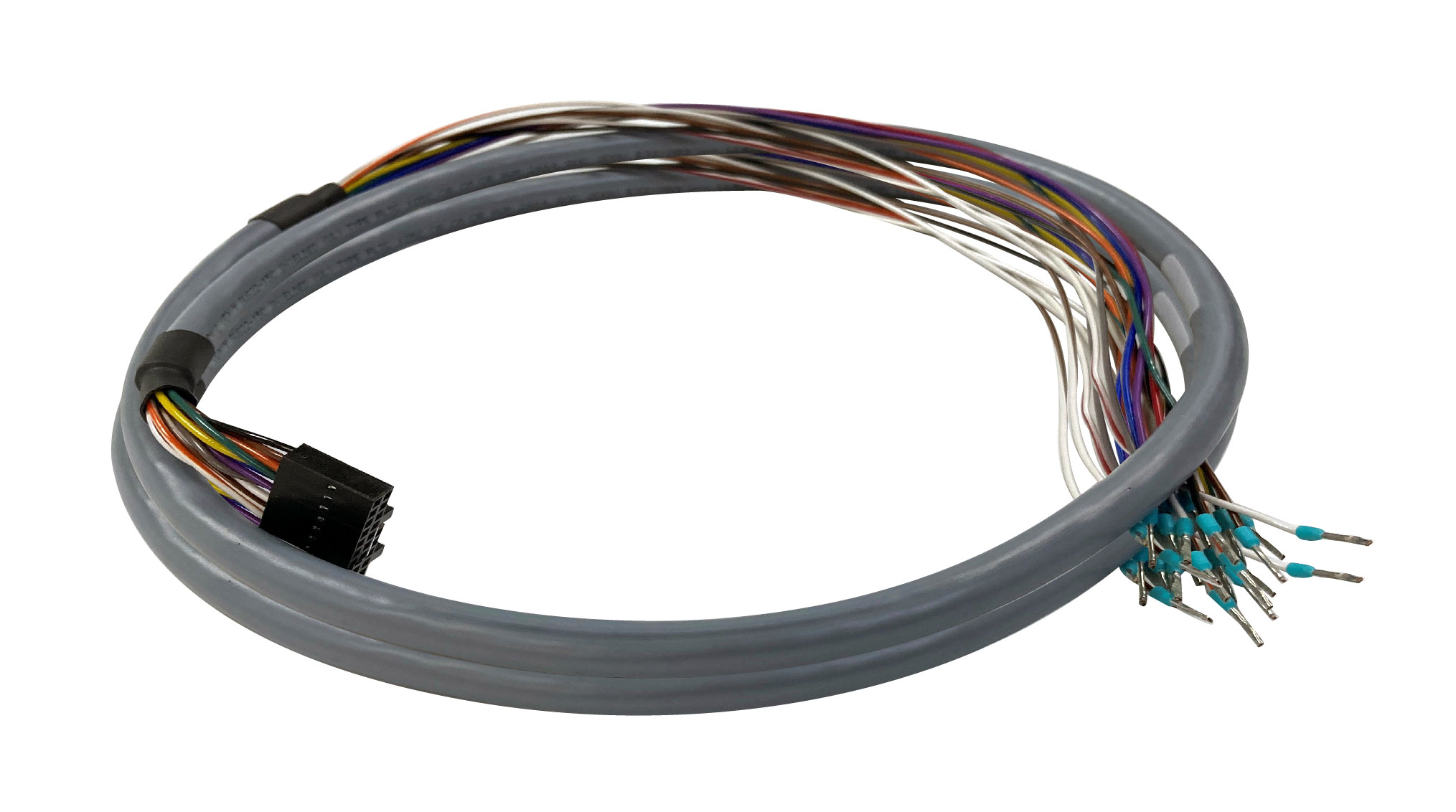
Description
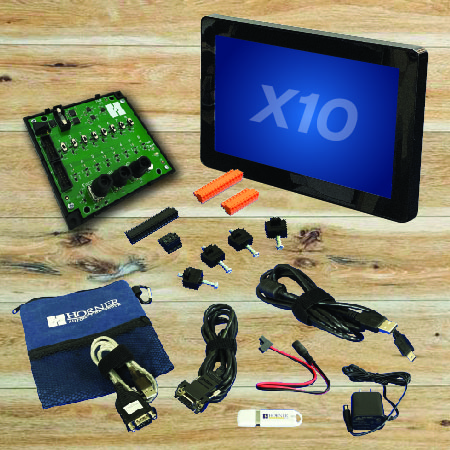
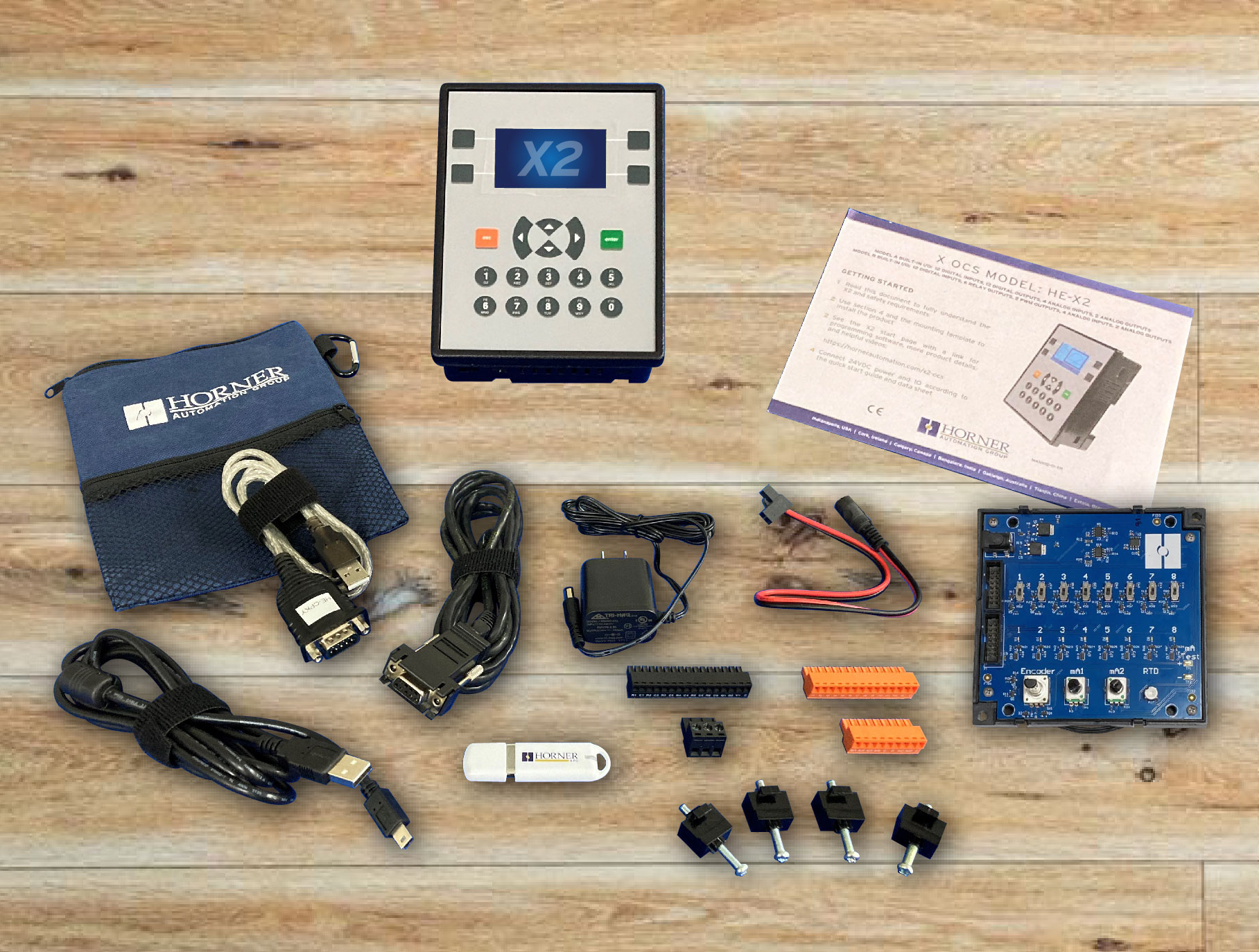
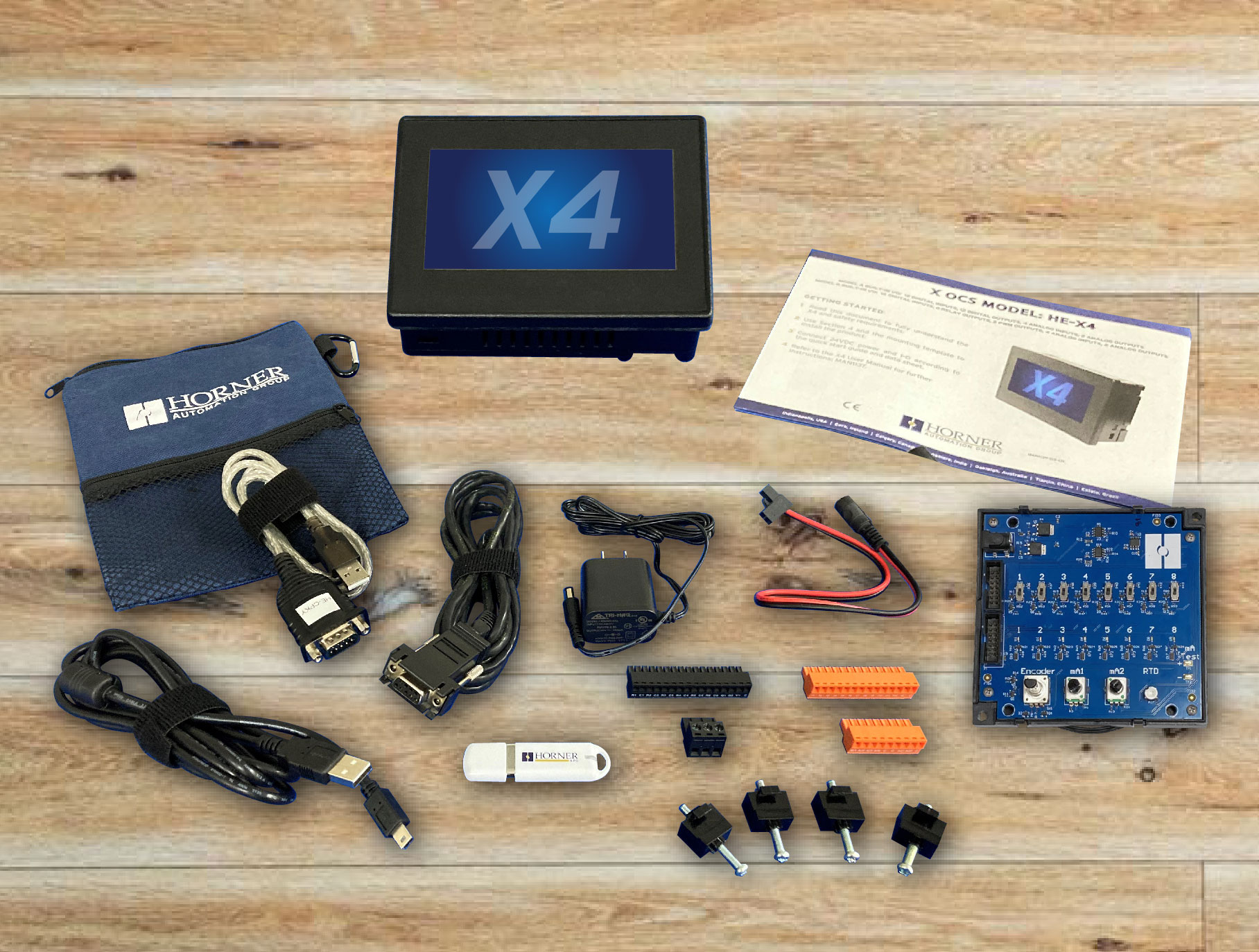
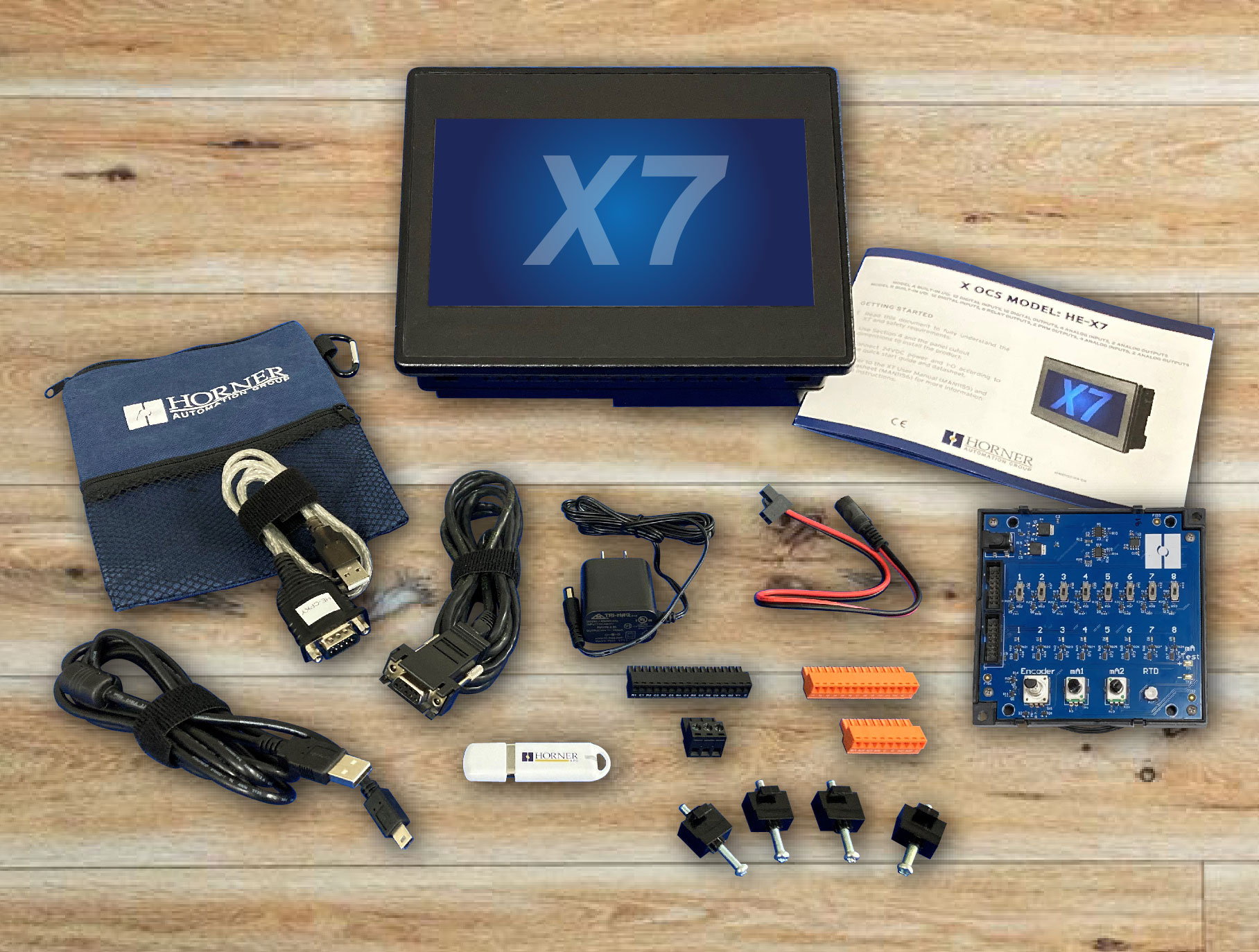
Academic Program – A comprehensive I/O configuration. The academic program is designed to ensure a full understanding of the complexities and nuances within the field. By fostering a culture of research and collaboration, students are equipped with essential skills and knowledge to excel in their academic and professional pursuits. The curriculum includes a comprehensive I/O configuration component, providing a practical foundation for students to apply theoretical concepts to real-world scenarios.
In the market of fixed I/O and stand-alone controllers, these Academic Program Kits are unmatched. Suited for most applications across a diverse range of industries, the intuitive user interface, rugged durability, and suite of capabilities of our controllers exceed standards (and expectations). Our Academic Kit can be a part of every student’s book program, so they all own one and have it readily available as their time requires. Tech schools have commented that the students have learned more with this tool, as they have more time to spend in a lab environment. The students can keep the controllers when they are done with school or sell them to the next group of students just like they do with books.
In an effort to make implementing Horner all-in-one controllers as seamless and user-friendly as possible, we have selected a streamlined set of on-board I/O. The wide scope of digital and analog I/O make automating your applications, and your organization, as simple as the push of a button. If the built-in I/O isn’t enough for your specific application, you can easily expand via CAN, RS-485 or serial.
COMPETITIVE ADVANTAGE
Our engineers at Horner Automation have designed a slim, versatile, and complimentary product to our existing line of robust industrial solutions. When utilized as an introductory piece, these Academic Program Kits can empower your organization to grow, by seamlessly incorporating additional Horner solutions to your expanding system.
Testimonials
“I enjoy the modular I/O cards, the HMI and the CSCAPE software. The I/O cards are easily added or removed from the panel allowing ease of use. One thing I did encounter with setting up the DIQ616 I/O card is, inside CSCAPE when you auto populate the local I/O, the dim value does not change to 10 and requires a manual correction. On the other hand, the HMI seems to be very good quality. So far it has performed very well and I have not had any issues with it. The CSCAPE software is the first ladder logic software I have used. The manual has been very helpful getting started with programming PLCs. Although some places like the logic block chapter could go into a little more detail about how to set up certain functions mainly due to the fact of me not having any prior PLC programming knowledge. The speed of all components is exceptional. Overall, I am very appreciative of the Horner Automation Academic Kit and believe it is a great resource for us students in the Automation and Technology program here at ATU Ozark Campus to have access to as we learn of the world of automation and specifically the world of PLCs.”
~ Emory Kuretsch – Arkansas Tech University, Programming 1
“The Best features of the Horner PLC are definitely the touch screen HMI and cscape. Being able to customize your HMI through cscape allows for a lot of creativity for students, and it’s also very easy to customize. I also find the programming on cscape very easy to maneuver and use since it’s just plugging in your counters, contacts, and coils.
I think the Horner PLC we were provided was very helpful in understanding PLCs, from building the panel itself to programming our own programs. It was very engaging. While it may have been challenging to write the programs with no experience, it was a fun learning experience”
~ Grant Hurst – Arkansas Tech University, Automation Technology
“The Horner academic kits that I got to use were very fun to use. With those kits I made my very first PLC, having no prior knowledge to how a PLC worked. The instructions made it very easy to follow and I didn’t feel like I was lagging behind at all when it came to putting them together. I liked being able to change things on the HMI with different programs, and I also liked seeing the circuit board and how everything is put together and learning what each component does.
~ Braydon – Arkansas Tech University, Automation Technology